
As reviewed on 28 October 2026, a useful Seedance 2.0 prompt assigns each reference a job, describes the subject and action, then orders the shots. It does not guarantee exact cuts, identity or first-try delivery. Seedance 2.5 has a different timestamp and editing contract. The formulas below are unexecuted examples unless labeled as submitted; separate local runs show both useful results and framing failures.
First, check the model and route
Official sources were accessed 27 October; pinned ChatCut controls and saved route evidence were reviewed 28 October 2026. A native feature, a visible control and a successful job are different facts. “8K” in a prompt is an aesthetic request, not the output setting.
| Model and public ID | Facts and evidence |
|---|---|
Seedance 2.0doubao-seedance-2-0-260128Availability: Pinned integration and saved dev checks; production unverified. Source links describe native specifications. Reviewed: | Native documentation: 4–15s; 480p/720p/1080p/4K. Frames OR up to 9 images, 3 videos, 3 audios. Ordered shots; timestamp timing is not guaranteed. ChatCut integration: 480p/720p/1080p exposed. 4K blocked pending pricing support. Audio enabled internally; no audio-off control. Endpoint evidence: Configured Ark checks timed out; current boundary acceptance, including 4K, remains unverified. |
Seedance 2.5doubao-seedance-2-5-260628Availability: Pinned integration and saved dev checks; production unverified. Source links describe native specifications. Reviewed: | Native documentation: 4–30s; 480p/720p/1080p. Frames OR up to 30 images, 10 videos, 10 audios, 50 total. Native audio-only, edit, extend and Draft-to-final. ChatCut integration: Generation, reference, edit and extend controls exposed. Draft-to-final and audio-off are not exposed by the inspected tool. Endpoint evidence: Ark acceptance and maximum input boundaries unverified after timeouts. A separate local previs run completed; it does not prove all boundaries. |
Full 2.0 native documentation includes 4K, while the inspected ChatCut build blocks it pending pricing support. Its configured Ark check timed out, so this was neither a supplier acceptance nor rejection. Fast/Mini have different output limits. Use the model matrix and reference rules before copying a prompt.
What should each reference control?
A reference can guide identity, wardrobe, product geometry, set/light, camera, motion or sound. Say which role it owns and what may change. Do not assume a model knows whether you want to copy the product, its packaging, its background or the shot itself.
Use the visible first-frame slot when the starting composition matters. Use reference mode for subject/style/motion guidance. In the 2.0 family, last needs first, frames cannot mix with references, and reference audio needs an image or video. A video reference can be an eligible project video or public resource; it need not be a completed generation. Counts, size and aggregate duration still apply.
Five formulas to adapt
These are unexecuted writing examples, not performance evidence. Use real selected asset references in the app; placeholder names are not uploaded inputs.
1. Character: appearance plus one action
Image 1 controls the character's face; image 2 controls clothing and build.
Shot 1: The same character waits at a bus stop, then checks the road.
Medium shot, locked camera, overcast daylight.
Keep the jacket and hairstyle. One continuous take, no text.
If the face drifts, inspect reference clarity, conflicting views and returned frames. More images do not guarantee identity. Keep screen position and shot scale instructions local to each shot so a wide-shot rule does not contradict a close-up.
2. Product: silhouette, material and detail
Image 1 controls the backpack's silhouette and red fabric.
Image 2 controls the zipper and metal pull only.
Shot 1: A hand places it on a neutral table, zipper facing camera.
Shot 2: Close-up of the zipper opening. Soft side light; no logos or text.
Decide which detail makes a take usable and review that detail at multiple times. A good opening frame can still lose the product later.
3. Scene: environment and light
Image 1 controls the cafe layout. Image 2 controls the amber side light.
Shot 1: A waiter places a cup on the empty table beside the window.
Keep the window on camera-left and the table visible; do not copy people from the references.
Preserve the relationships that matter rather than asking for every pixel to remain unchanged. Review the set, subject count and camera height independently.
4. Camera: borrow movement, replace content
Video 1 controls only camera movement and pacing.
Image 1 controls the new character and clothing.
Generate a hallway scene with that character. Follow the slow push-in from the guide.
Do not copy the guide's actors, signs or location.
A camera guide is an instruction source, not a guarantee of exact motion transfer. Start with one distinct move; if it misses, simplify the task before adding more references.
5. Multimodal: divide picture, motion and sound
Image 1 controls the product. Video 1 controls the orbiting camera only.
Audio 1 guides rhythm; keep the product unchanged.
Shot 1: Slow reveal on a dark table.
Shot 2: A short orbit ends with the product centered.
No title text. Keep the background simple.
For 2.0, audio 1 requires the accompanying image/video, as above. Sound direction in text is not the native audio-off switch; the inspected ChatCut tool does not expose that switch. Audition the result. Transcripts cannot establish ambience, speaker identity or the absence of music.
Shot order in 2.0, timestamps in 2.5
For 2.0, use ordered shots rather than promising 0–3s creates an exact cut at three seconds. 2.5 documents timestamp following, but timing still needs review on your route. Its native edit/extend and Draft-to-final controls must also be separated from what ChatCut currently forwards. Use the video controls guide; do not label every reference-driven 2.0 prompt an edit or extension task.
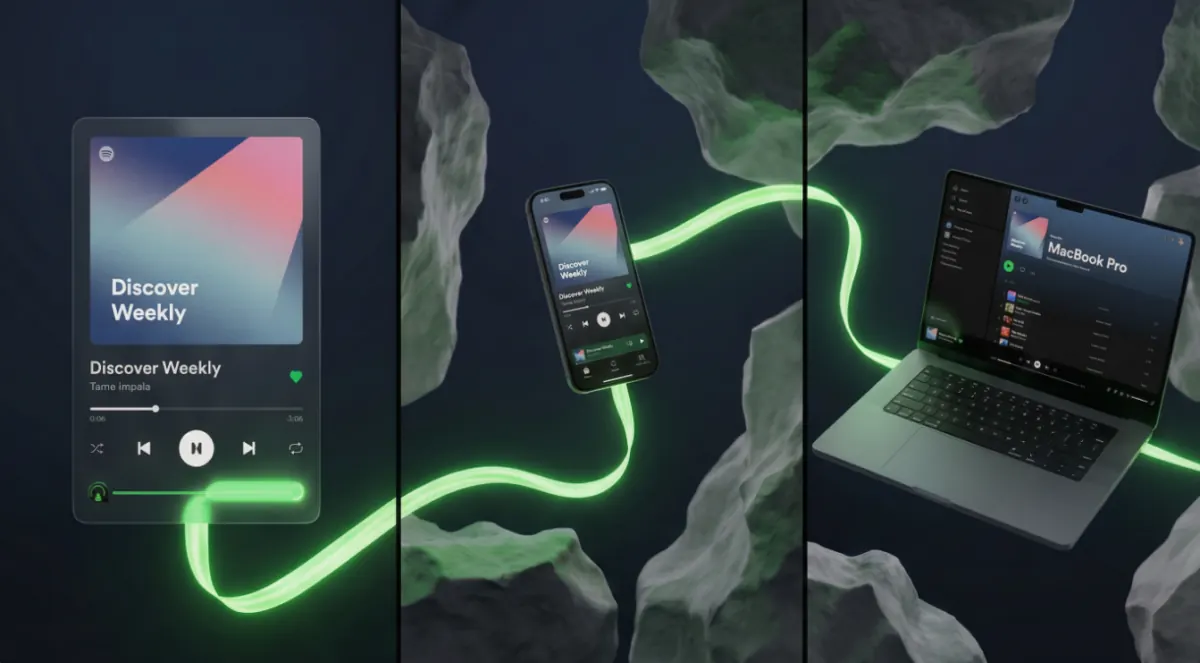
The earlier public multimodal concept below uses a reference board and a separate logo:

An ordered rewrite would ask for a water-level opening, then floating interface cards, then a phone/laptop reveal, then a logo ending, while assigning the board to scene style and the logo to brand shape. That rewrite is an unexecuted example. Do not guarantee readable generated text; an editable title added afterward may be easier to correct.
What exact prompt and settings were tested?
A 27 October local previs run used Seedance 2.5, requested 30 seconds, 21:9, 1080p, with seven images and one 30-second guide. A submitted excerpt reads:
Each of @Image1 to @Image6 is an identity sheet: the face close-up gives the face, the body views give build and clothing; sheet background and layout are not used.The full submitted prompt gave the guide camera, cut and blocking authority, the first six images appearance authority and the seventh image location/light authority. The raw take was 2206×946, approximately 30.08 seconds; the timeline export was 2520×1080, exactly 30 seconds. 15/17 checks passed. Useful side-view proof failed; speaker assignment and no-music sound were not independently established. This is one bounded local workflow, not a native maximum or general identity guarantee.
A separate 27 October Seedance 2.0 scene run used three images, four 15-second 1080p takes and two five-second targeted repairs. The submitted instruction requested “High oblique wide two-shot” with a strong Dutch tilt. The final 14.625-second assembly passed 6/7 MUST checks, but its opening viewpoint and cant still failed. Stronger angle wording did not repair the geometry; a successful job was not an accepted shot.
A local ad workflow also produced takes but stopped before assembly and final export. It supplies no completed-ad success claim. None of these runs is a controlled comparison of prompt formulas or a current production entitlement check.
How should I revise the next take?
Write a small acceptance target
Pick the exact model and one input mode. Define a visible success condition such as “zipper remains visible” or “two people remain in their own chairs.” Check input budgets and a current quote.
Inspect the actual output
Review start/middle/end and both sides of every cut. Compare identity, subject count, framing and action separately; audition the sound. Keep useful segments rather than treating whole-job completion as approval.
Change one failed constraint
Remove conflicting instructions, simplify the camera/action, or replace an unclear reference. Save the revised prompt and settings, then compare the next actual take. Assemble accepted video assets on the timeline for trim, captions and titles.
An error before generation needs mode/media diagnosis; an Ark timeout leaves capability unverified. A creative miss needs a new decision about the shot, reference or edit. Use workflow failures and check Credits Policy before another paid request. There is no verified free retry, fixed turnaround or first-try guarantee in this guide.
Frequently asked questions
What is a good Seedance 2.0 prompt structure?
Will more references lock a face or product exactly?
Can I request 8K by writing it in the prompt?
Were all five formulas successfully tested?
Can I extend or edit a video with these 2.0 formulas?
Last verified: 28 October 2026. Sources: Seedance task API, Ark 2.0 guide and 2.5 prompt guide, accessed in the supplied research 27 October. Pinned integration/route checks and separately scoped 27 October previs, scene and partial-ad reports were reviewed 28 October. No new generation was performed for this update. The original publication date is retained.